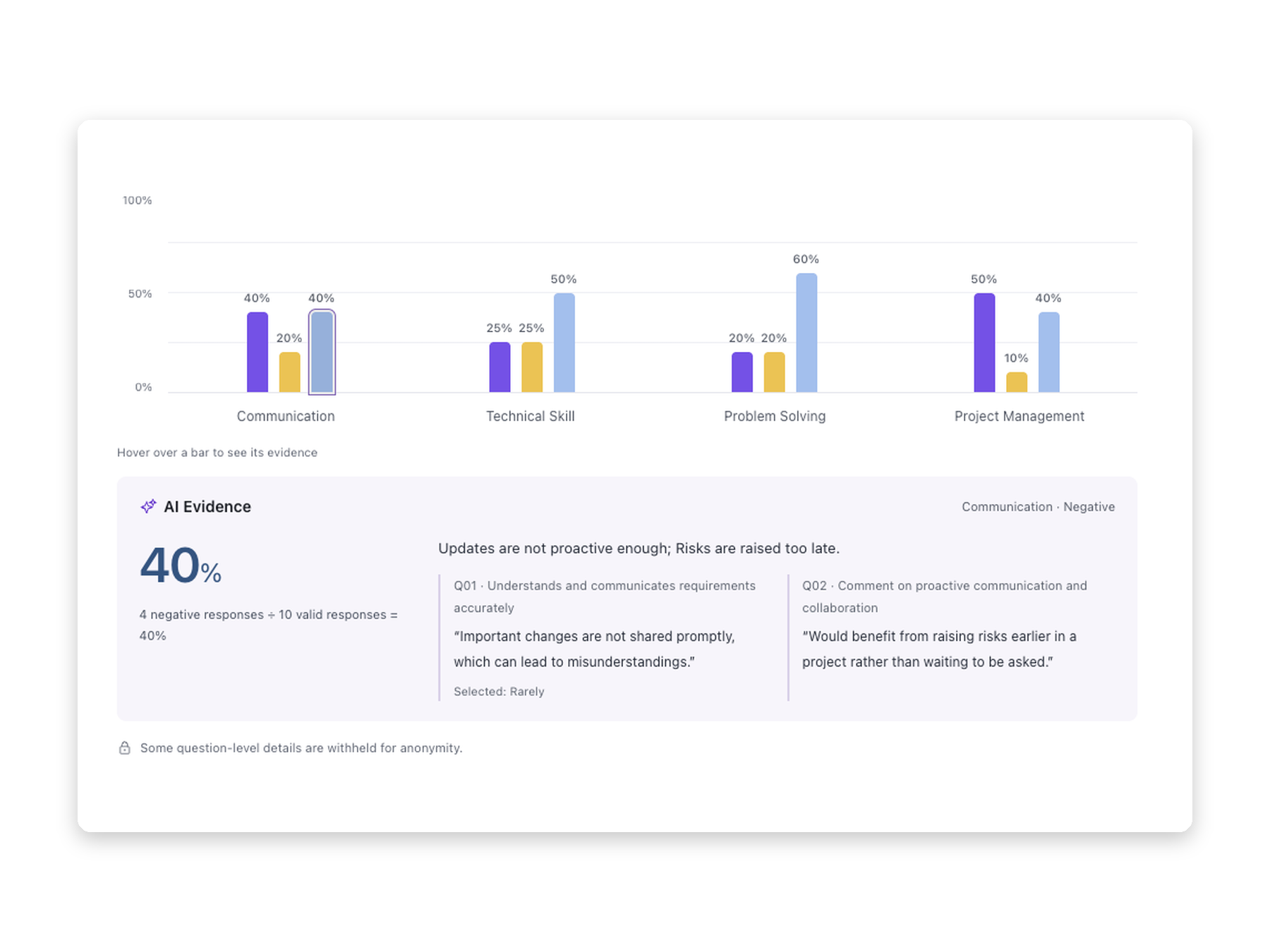
Review the feedback behind an insight
Explore supporting questions, group results and comments within your report permissions and anonymity settings. Consider differences between sources and the limits of the available feedback.


360 AI
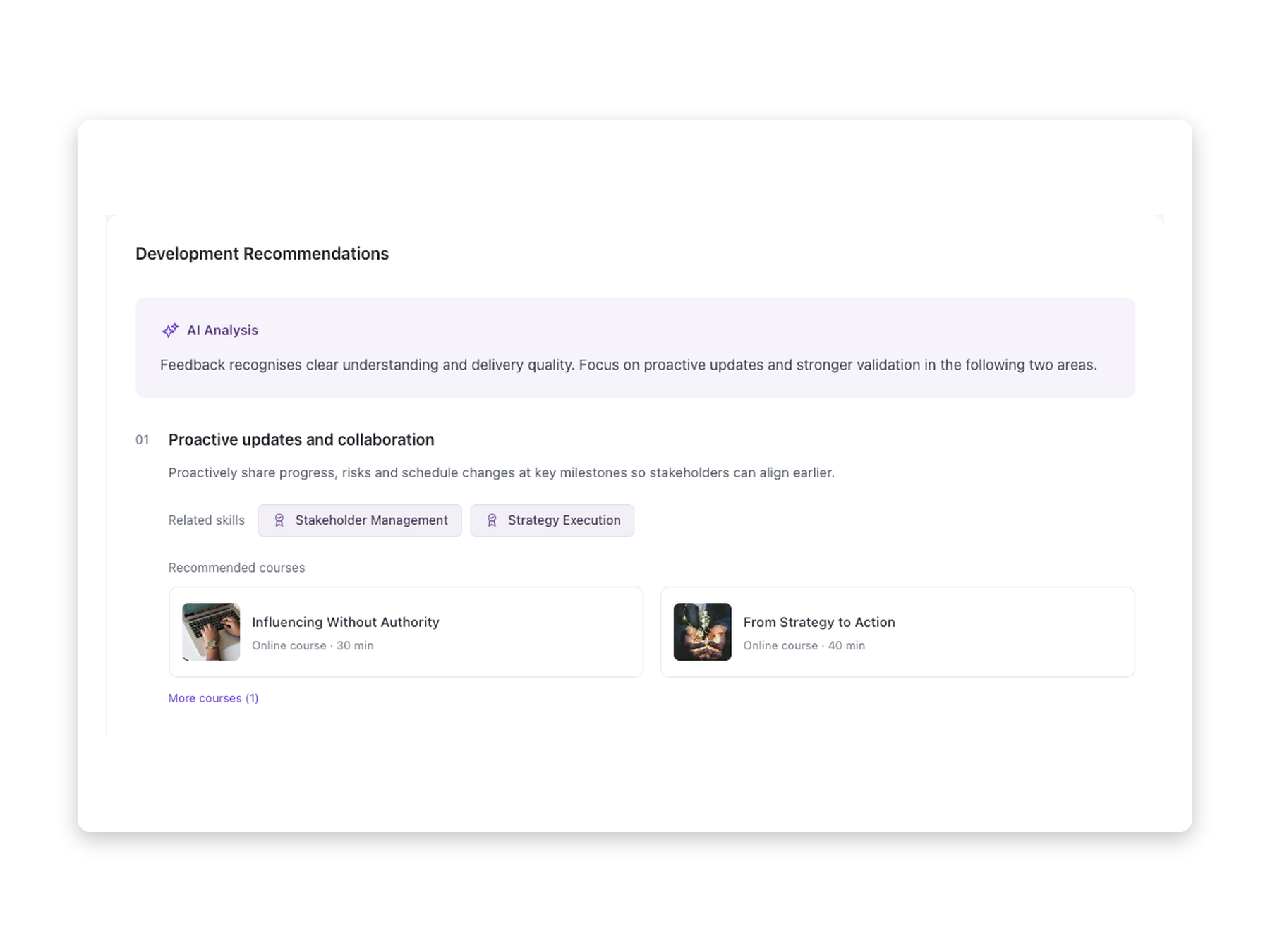
Review the feedback behind an insight, consider suggested actions and prepare role-relevant questionnaires. HR and managers review the output and decide what to use.
AI helps prepare and interpret. People review the questionnaire, the evidence and the next steps.
Explore supporting questions, group results and comments within your report permissions and anonymity settings. Consider differences between sources and the limits of the available feedback.
Review AI-drafted questions and actions against the feedback and work context. Choose one or two priorities and agree the support and next steps with the participant.
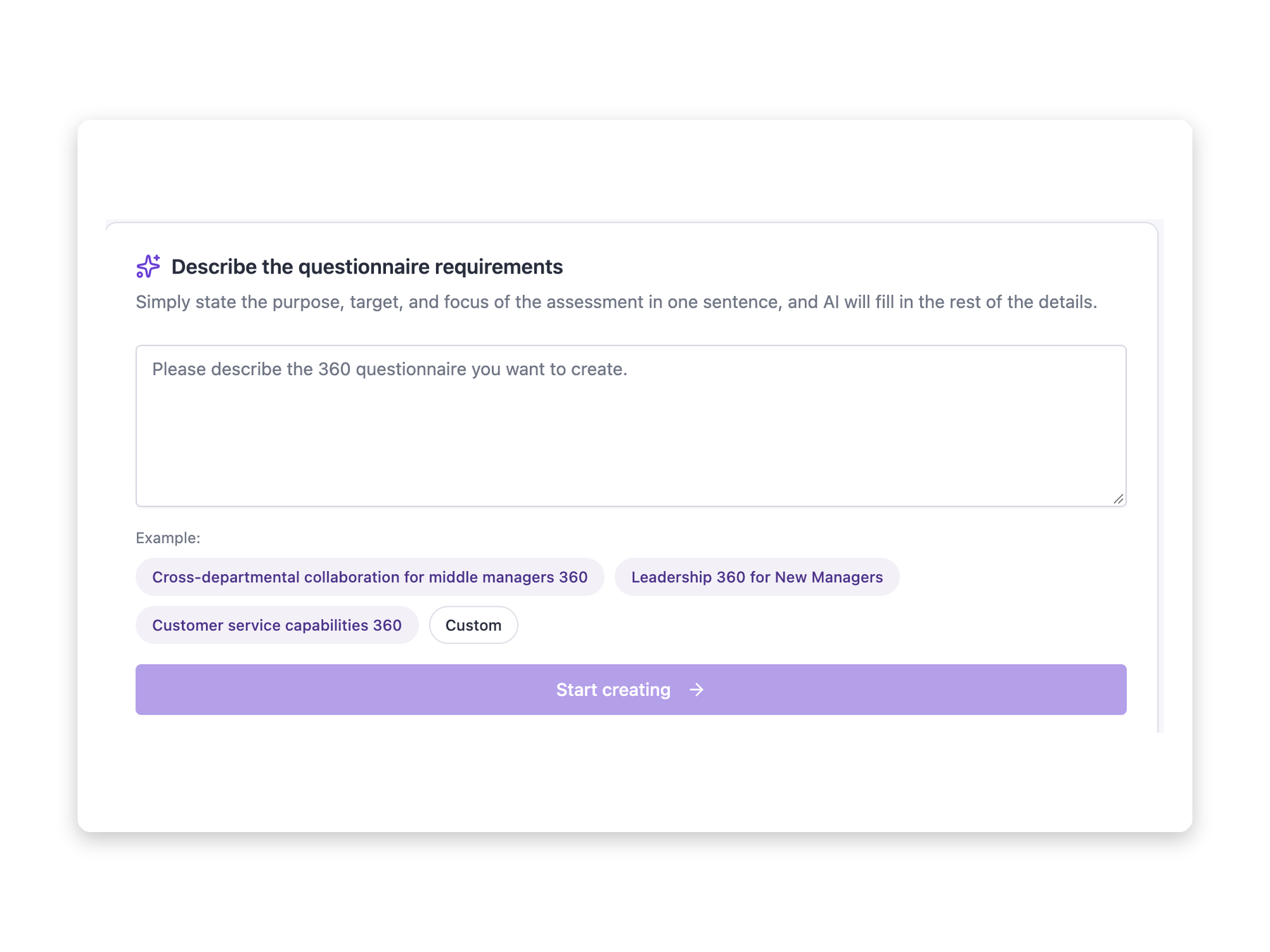
Describe the purpose, roles and behaviors you want to understand. Review AI-suggested competencies, questions and rating scales before approving the draft.
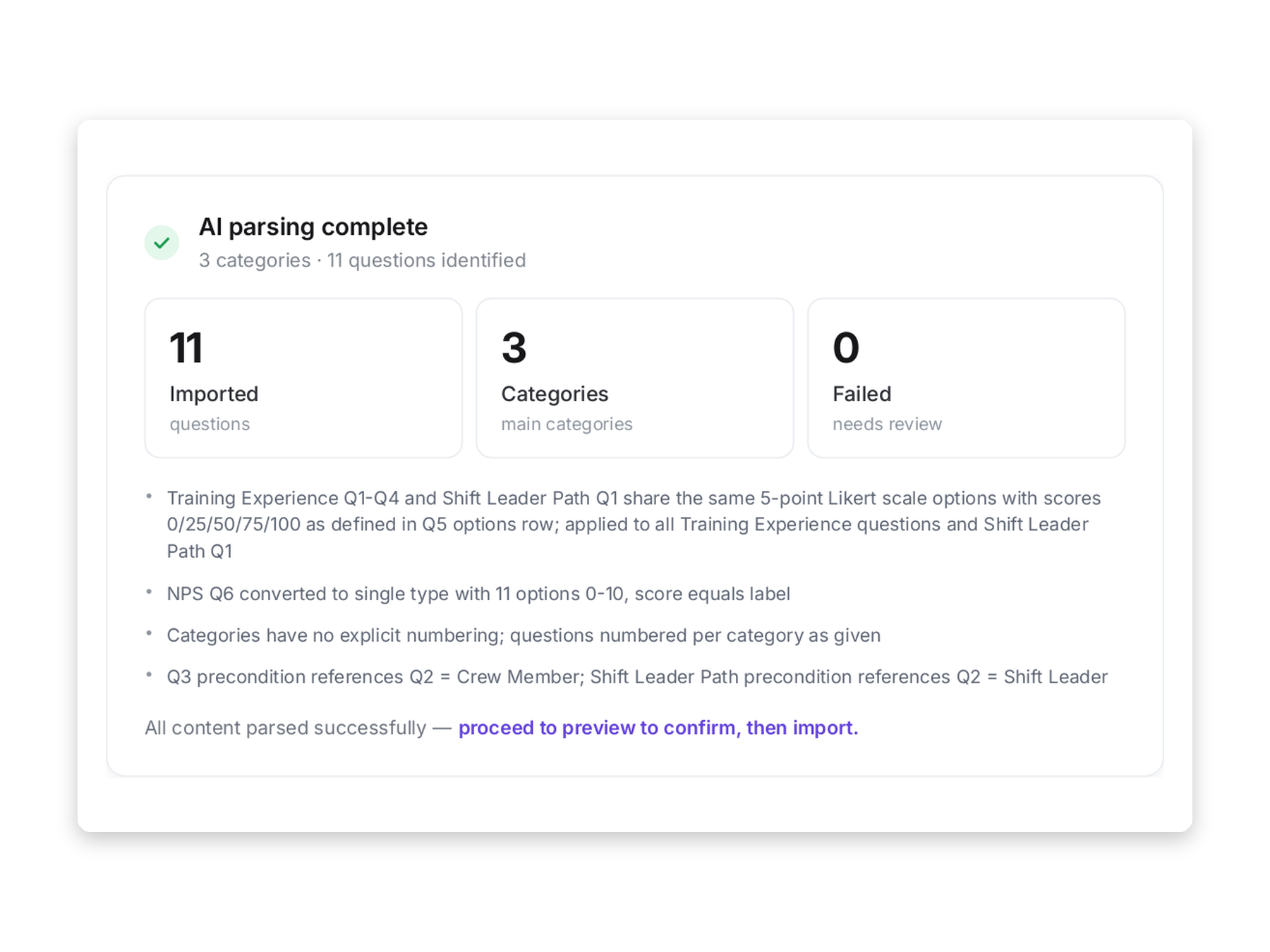
Bring a competency model or a Word or Excel questionnaire. Review how AI maps the content into an editable 360 draft, then refine it for your program.
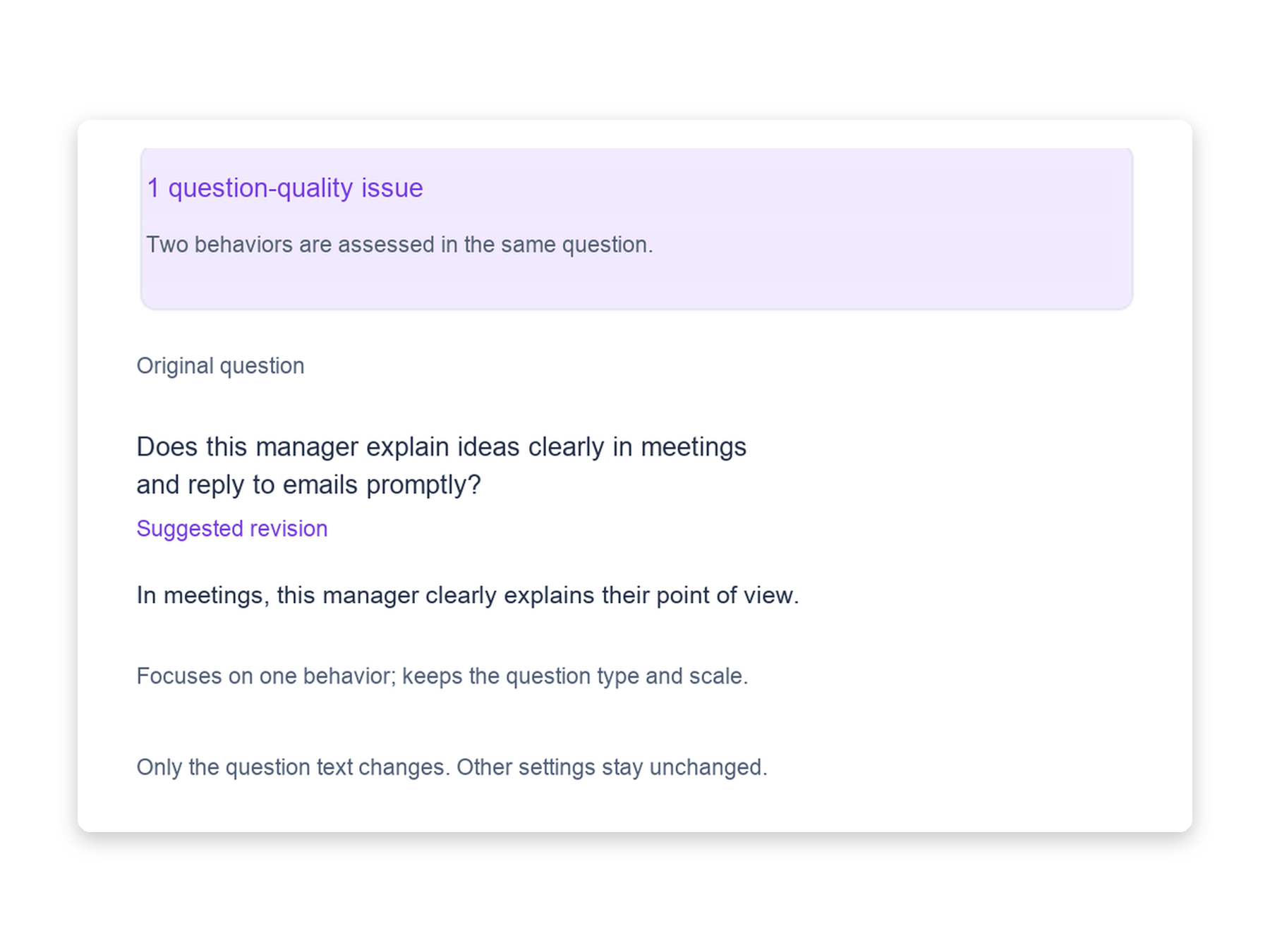
Review vague wording, duplicate questions, missing coverage and scoring conflicts. Refine the draft so assessors can respond to clear, relevant questions. HR or the team manager approves the final version.